GnozAstro App Manual · 12/13
Preferences
The settings button on the bottom bar opens the Preferences.
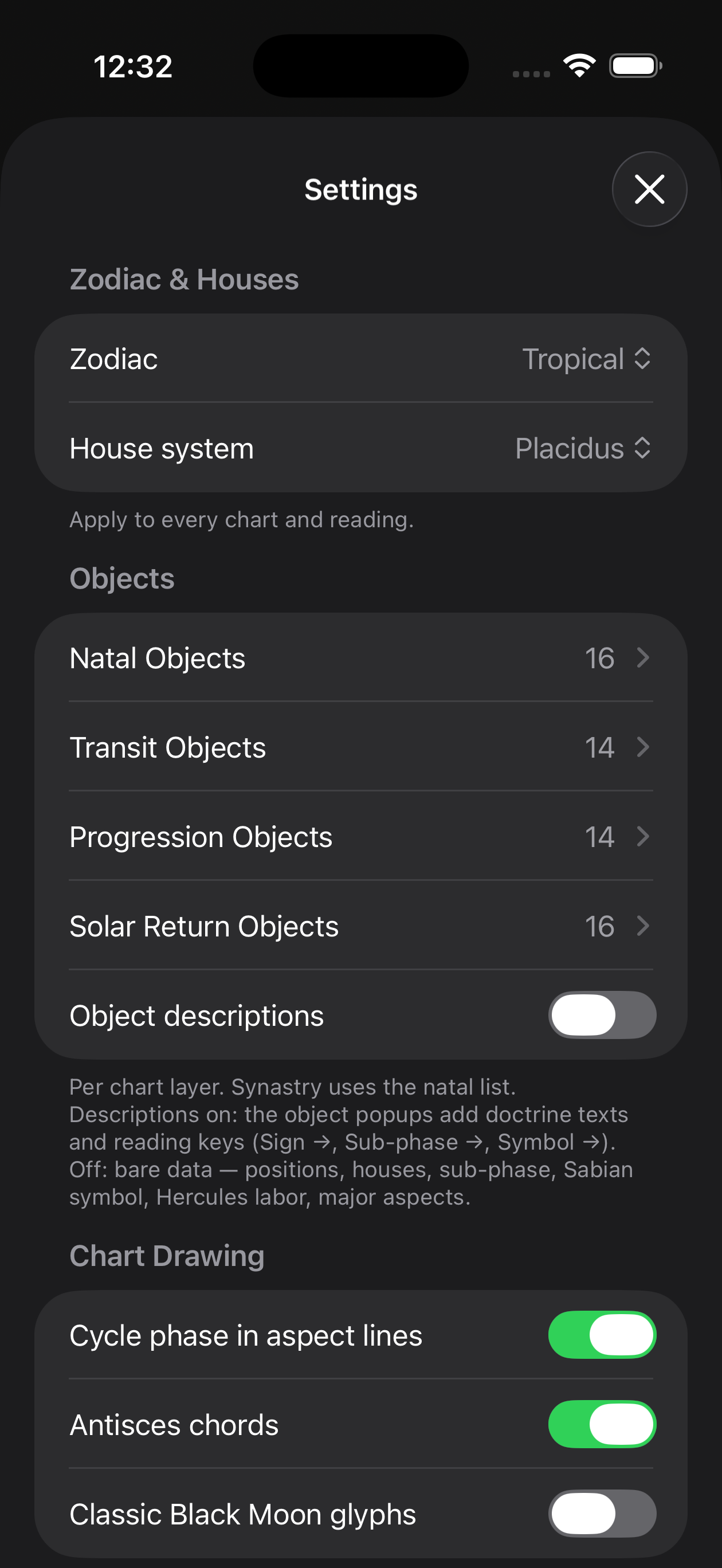
- Objects by layer — Four lists — natal, transit, progression, solar return — to choose planets, Chiron, nodes, the three Black Moons and their complete family (perigees, cross arms, quintessences), asteroids and points.
- Systems — The houses (Placidus, whole signs, equal…) and the zodiac (tropical, sidereal Lahiri, astronomical J2000).
- Chart drawing — The chord phase, the antiscia chords, the classic glyphs, the colours by layer.
- AI language — The language of reports and Daily Transit Analysis. The chat follows the language of the question; the interface follows the device.
Last updated —