GnozAstro App Manual · 7/13
AI REPORTS
The AI Reports fold of the drawer opens the catalogue of studies.
- Gnoz Analysis Report — Choose the reading, its subject, where needed its depth and a free question; the purchase starts the generation. Five readings:
 Gnoz Analysis Report — Choose the reading, its subject, where needed its depth and a free question; the purchase starts the generation. Five readings:
- Natal: the complete portrait, anchored in the present — today's transits, progressions, the solar return in force.
- Relationship: the eight-storey dossier — two complete natal charts, the synastry, the bilateral overlays, the composite (WHY), the Davison (WHEN), and the Davison's two temporal layers.
- Yearly: twelve months across four crossed dimensions — natal, transits, progressions, solar returns — as a dated calendar.
- Monthly: the same weave over thirty days, the starting date of your choosing.
- Solar return: the portrait of the birthday year, calculated where you live.
Report generation continues on the server when you close the app. Reopening retrieves the same job without a second debit. A confirmed generation failure restores an eligible credit once; a refunded purchase does not restore a credit. Report-ready alerts are in-app only. Concise readings select the strongest themes; detailed readings develop them more broadly.
- Saved Reports — The library of your reports, as PDFs, sorted by nature.
 Saved Reports — The library of your reports, as PDFs, sorted by nature.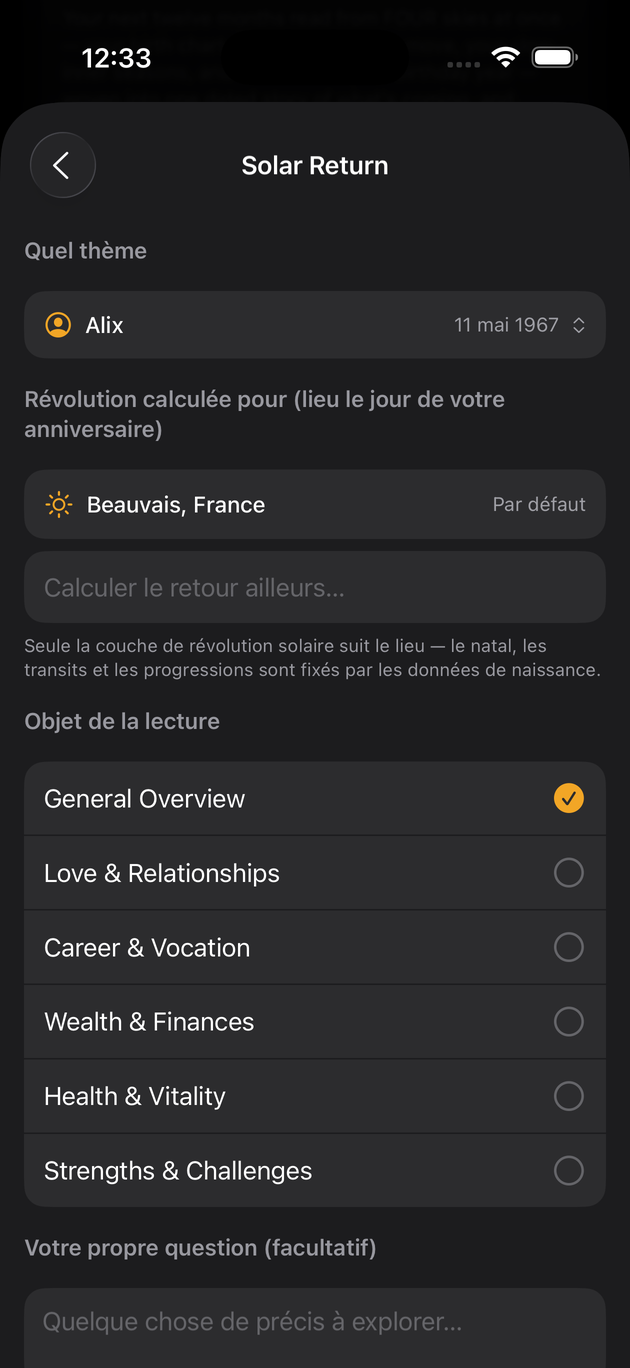
Last updated —