GnozAstro App Manual · 3/13
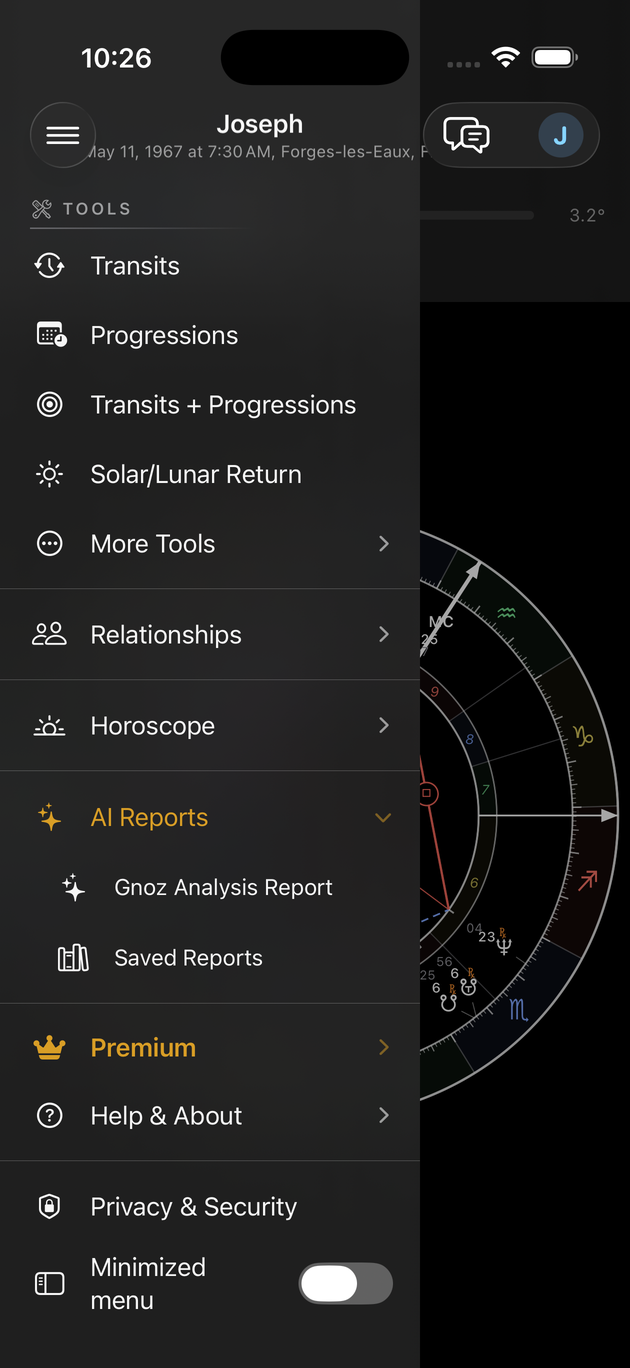
TOOLS (professional drawer)
Open the drawer with the ☰ button at the top left. The contract is the same for every tool: tap the line, the tool launches with its defaults. The method label that appears above the wheel names what is displayed — tap it to reopen the settings, tap its ✕ to turn the tool off.
- Transits — Today's sky draws as an outer ring around the natal chart, with the aspects between the two. The mini-player under the banner is the time machine: ▶ plays time, the capsule sets speed and step, Now returns to the present, the date can be tapped to pick another. Today's sky is free; time travel requires Premium.
 Transits — Today's sky draws as an outer ring around the natal chart, with the aspects between the two. The mini-player under the banner is the time machine: ▶ plays time, the capsule sets speed and step, Now returns to the present, the date can be tapped to pick another. Today's sky is free; time travel requires Premium.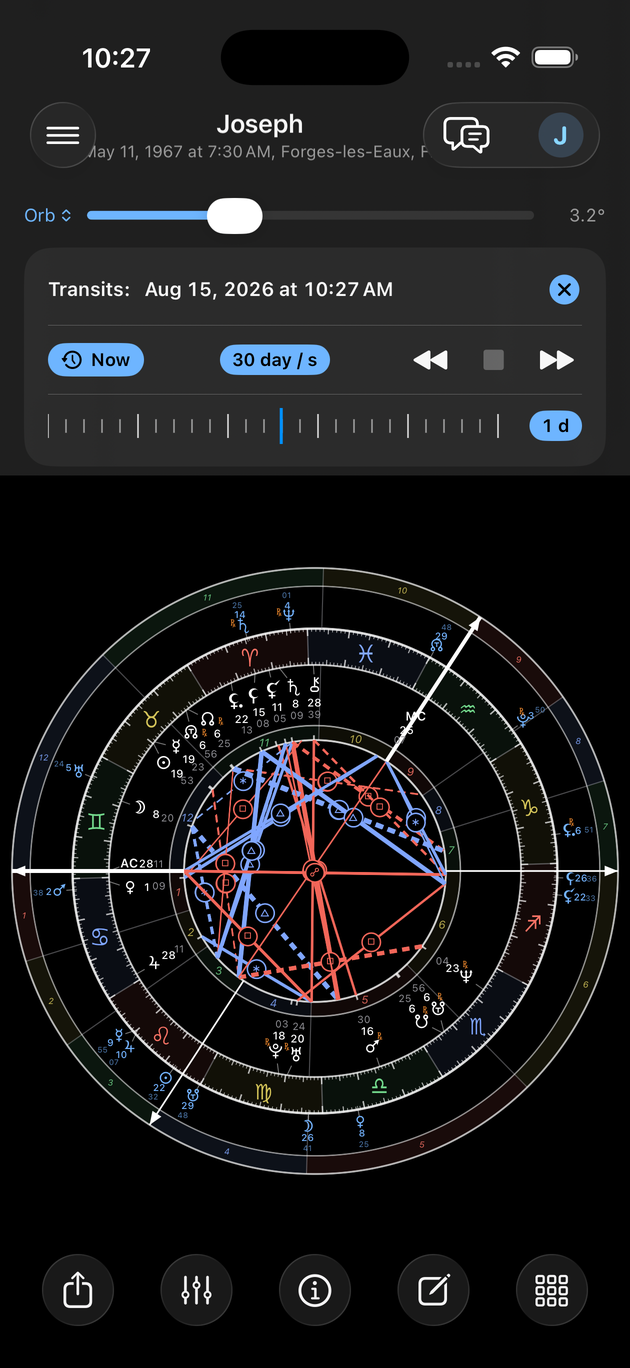
- Progressions — The dated ring of secondary progressions (a day for a year) or of the solar arc, true or mean (Naibod). The choice is made in the tool's panel.
- Transits + Progressions — Both at once: transits on the inner ring, progressions outside, one clock for the whole.
 Progressions — The dated ring of secondary progressions (a day for a year) or of the solar arc, true or mean (Naibod). The choice is made in the tool's panel.
 Transits + Progressions — Both at once: transits on the inner ring, progressions outside, one clock for the whole.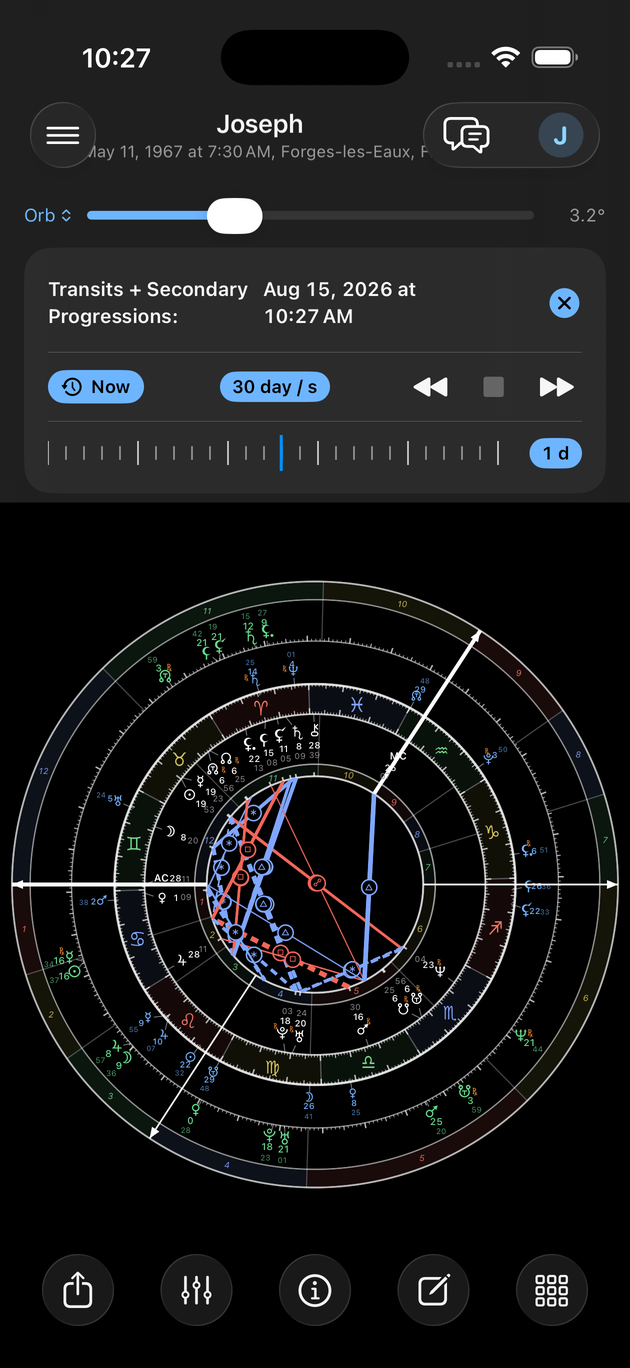
- Solar/Lunar Return — The panel picks the year — or the lunar month — and the place of the return. The return chart draws as a ring around the natal chart, or replaces the wheel if you switch the ring off.
- Graphic Ephemeris — Longitudes as curves over the chosen span. The meetings read at the crossings; passes over your natal points are marked with a dot.
 Solar/Lunar Return — The panel picks the year — or the lunar month — and the place of the return. The return chart draws as a ring around the natal chart, or replaces the wheel if you switch the ring off.
 Graphic Ephemeris — Longitudes as curves over the chosen span. The meetings read at the crossings; passes over your natal points are marked with a dot.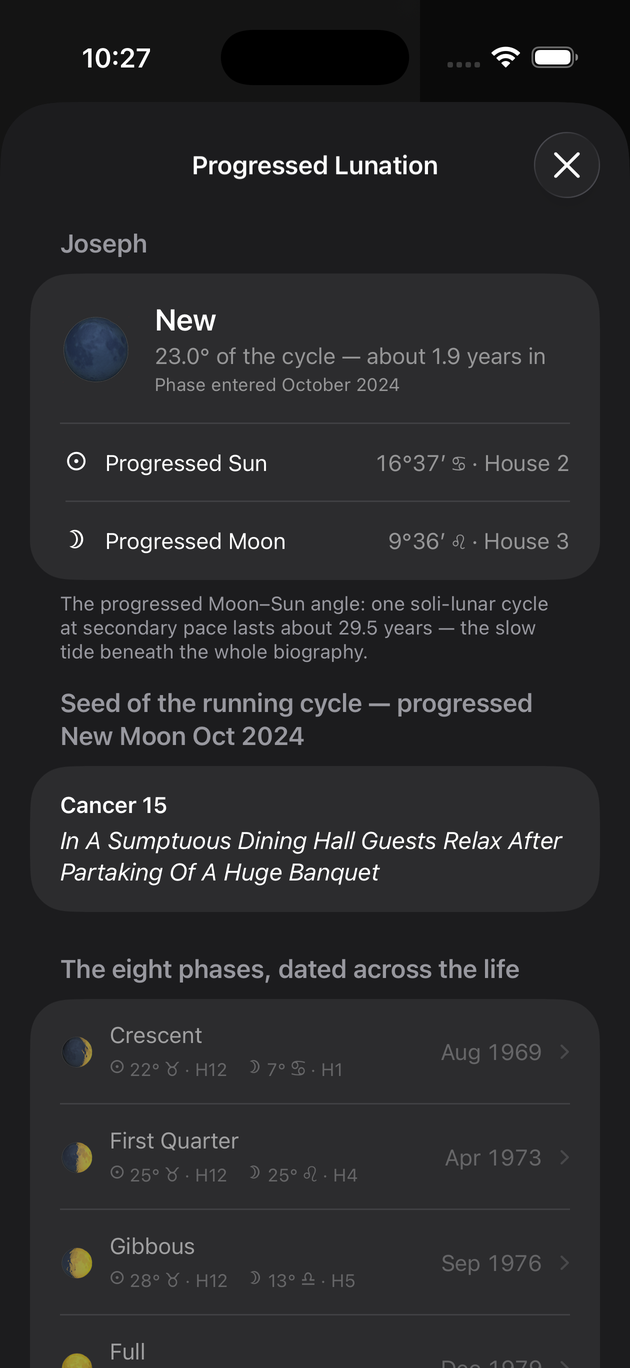
- Progressed Lunation — The eight phases of the progressed lunation cycle, dated across the whole life, with the cycle's Sabian seed and the current chapter. Tap a phase: the progressed chart opens at that moment.
- Astro Calendar — Stations, slow ingresses, lunations and eclipses over twelve months. Tap an event: the transit wheel opens at that moment.
- Planetary Returns — Pick a planet: its returns list, multiple retrograde passes grouped. Tap a return to cast its chart at the exact instant.
- Rectification — Drag the ±2h slider: the angles recalculate live, angular contacts within 3° and house changes display. Nothing applies until you confirm.
- Aspect Finder — Choose the period: every exact pass of a slow transit, or of a progressed point, over your natal points lists, dated.
- Antisces — List — The list of mirror contacts, natal and moving, solstitial and equinoctial.
- Antisces — Mirror Wheel — The whole chart, reflected by the solstitial axis, draws as an amber ring. Radial alignment with the ring marks the antiscion; opposition, the contra-antiscion. The mirror wheel combines: turn Transits or Progressions on over it — the mirror moves to the middle ring, the dated layer takes the outside, and the header reads "Antisces + Transits" or "Antisces + Progressions". One moving layer at a time; a tip reminds you on first display.
 Progressed Lunation — The eight phases of the progressed lunation cycle, dated across the whole life, with the cycle's Sabian seed and the current chapter. Tap a phase: the progressed chart opens at that moment.
 Astro Calendar — Stations, slow ingresses, lunations and eclipses over twelve months. Tap an event: the transit wheel opens at that moment.
 Planetary Returns — Pick a planet: its returns list, multiple retrograde passes grouped. Tap a return to cast its chart at the exact instant.
 Rectification — Drag the ±2h slider: the angles recalculate live, angular contacts within 3° and house changes display. Nothing applies until you confirm.
 Aspect Finder — Choose the period: every exact pass of a slow transit, or of a progressed point, over your natal points lists, dated.
 Antisces — List — The list of mirror contacts, natal and moving, solstitial and equinoctial.
 Antisces — Mirror Wheel — The whole chart, reflected by the solstitial axis, draws as an amber ring. Radial alignment with the ring marks the antiscion; opposition, the contra-antiscion. The mirror wheel combines: turn Transits or Progressions on over it — the mirror moves to the middle ring, the dated layer takes the outside, and the header reads "Antisces + Transits" or "Antisces + Progressions". One moving layer at a time; a tip reminds you on first display.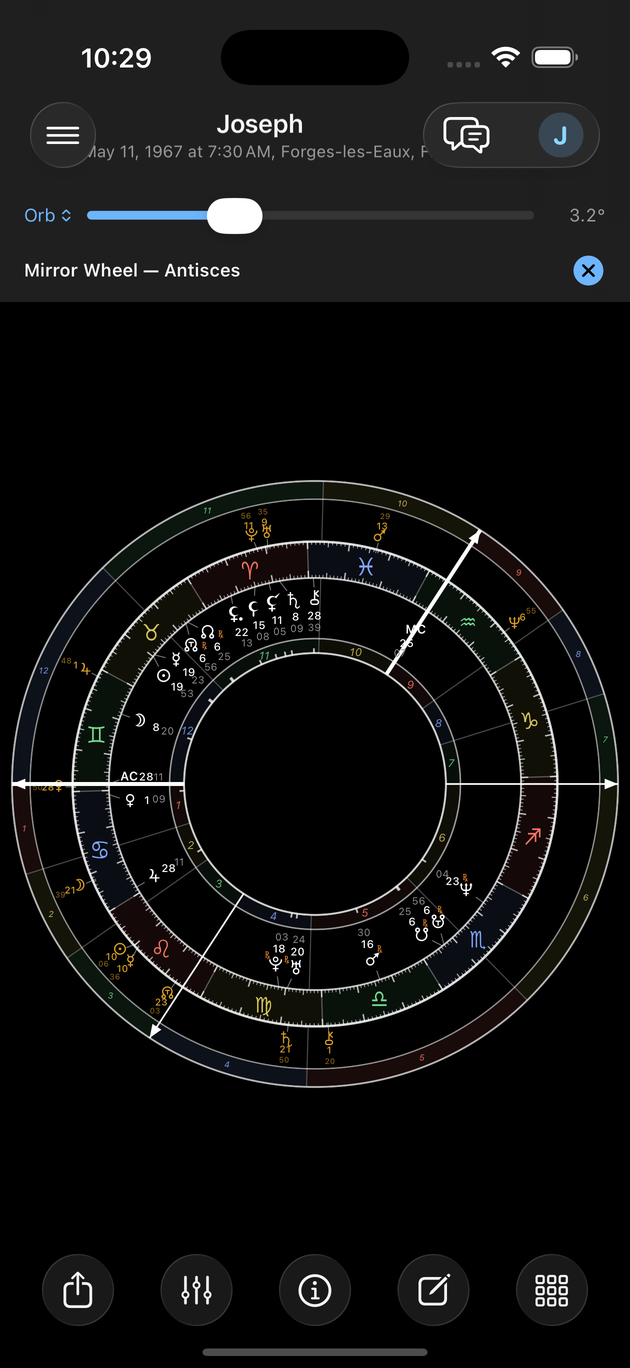
- Midpoints — The midpoint trees of the displayed chart, with the matrix's orbs.
- Relocation Map — Choose a place: the same planets, but angles and houses recalculated for it. The wheel is read again in that frame.
 Midpoints — The midpoint trees of the displayed chart, with the matrix's orbs.
 Relocation Map — Choose a place: the same planets, but angles and houses recalculated for it. The wheel is read again in that frame.
Last updated —